Account & Login: Upgrading From Monthly To Annual Plan
To update your billing information:
- Log into the membership hub by clicking here.
- Click on your profile image in the top right corner.
- Select "Billing" from the dropdown menu.
- To update your billing information, go to "billing" and click on your payment plan under "manage your subscriptions below"
- Click on "update subscription" (see image below)
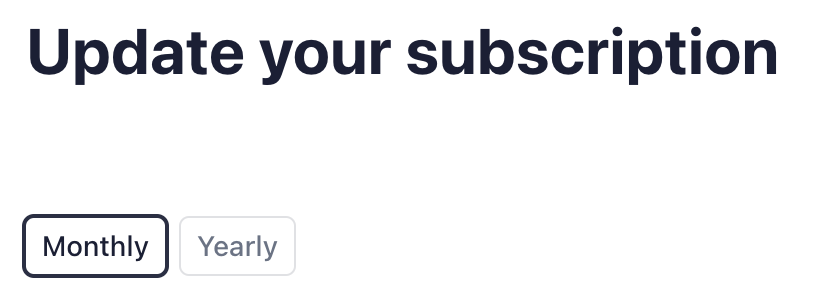
- Select the option from "monthly" or "yearly" (see image below)